Glass Cover Plate/Front Glass Door for Bambu H2 Series
No se pudo cargar la disponibilidad para recoger
Utilice este texto para fomentar la comunicación o promover el intercambio en las redes sociales.
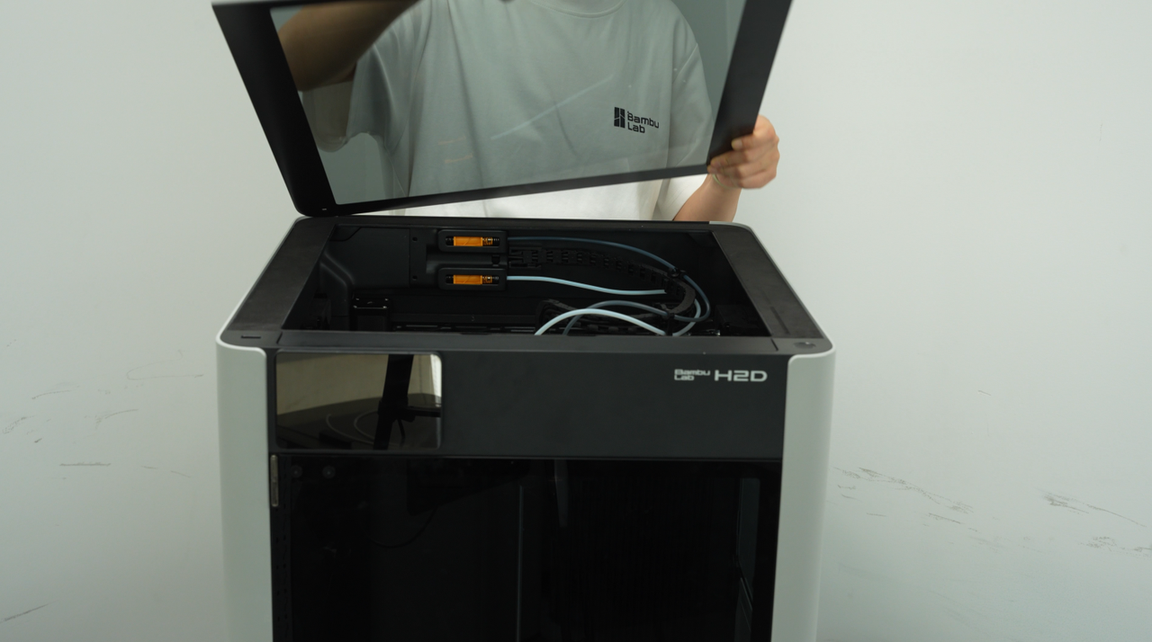
Glass Cover Plate - H2 Series
The Glass Cover Plate is used as a top cover of the H2 Series
In the Box
- Glass Cover Plate*1
Compatibility
H2 Series

Product Specifications
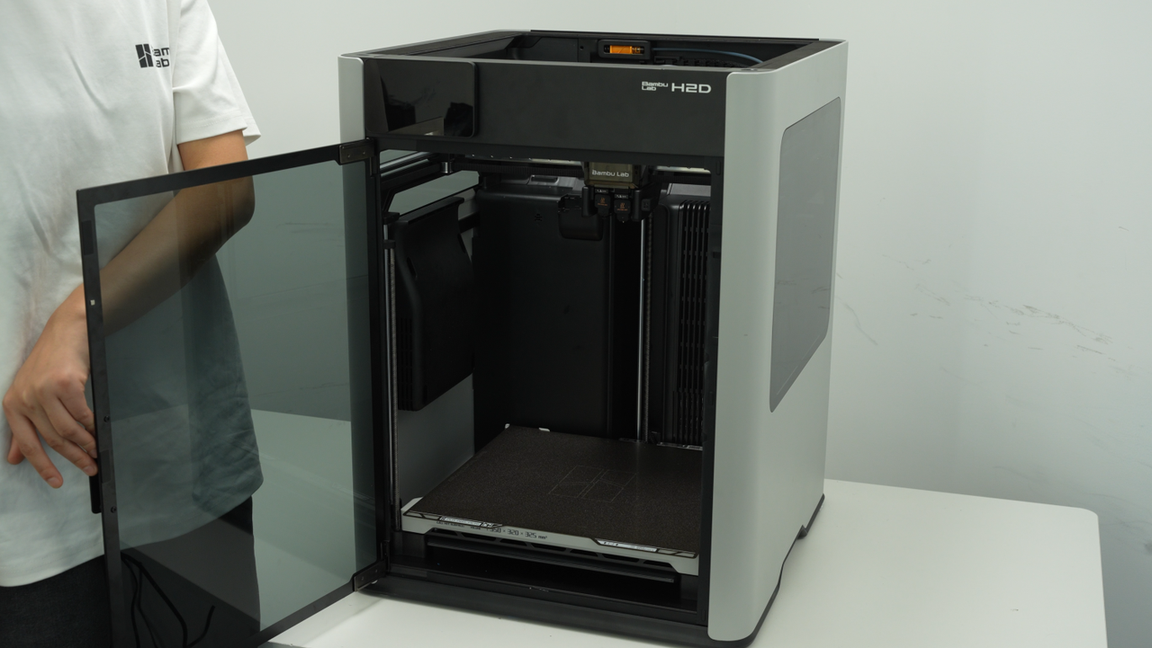
Front Glass Door - H2 Series
[Accurate Matching]:Standard size fits for Bambu H2 Series perfectly for smooth door assembly and sealing.
[Clear Visual]:Transparent front door glass lets you clearly watch printing progress of for Bambu H2 Series devices .
[Solid Resistance]:Tough glass material stands frequent use and avoids damage in daily printing work.
[Simple Replacement]:Lightweight structure supports fast swap of for original glass on H2 series printers.
[for light ]:Blocks inner for light and while maintaining normal viewing experience for printers.
The Front Glass Door is installed at the front of the printer.
In the Box
- Front Glass Door*1
- Door Hinge Silicone Pad (Pre-installed on the Front Door)*2
- M3-3 Screw*4
Compatibility
H2 Series

Product Specifications
H2D Printer Housing
H2D printers offer two material options for the top cover, front door, and side panel windows: tempered glass version and laser safety version.
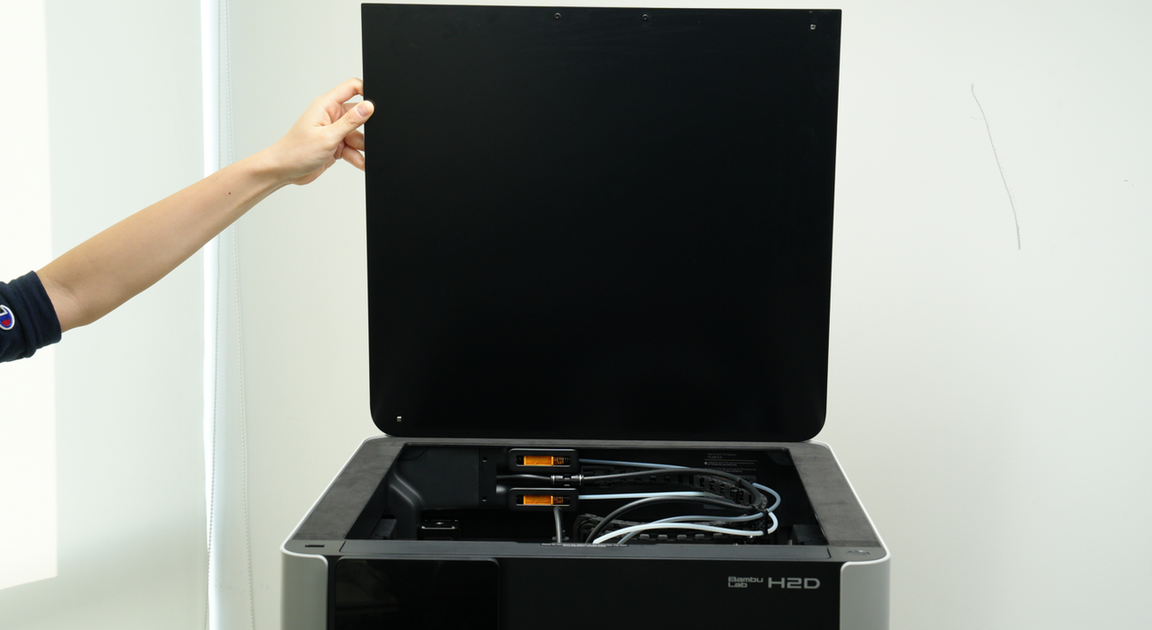
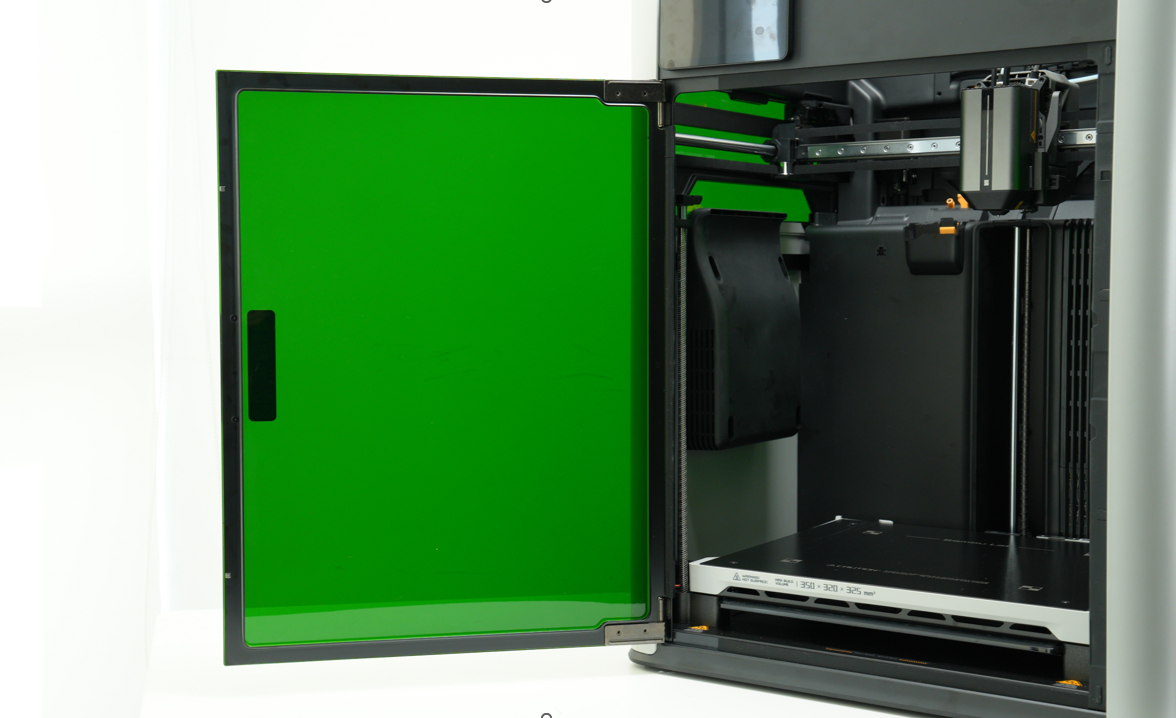
If you need to use a laser module, you must choose the laser safety glass the laser version of the printer comes pre-installed with the laser safety version, while the non-laser version requires a separate upgrade kit (available after the main unit's launch date), which includes a green PC front door and left and right windows, as well as a black top protective cover. Otherwise, the laser function will be forced to stop automatically.
H2D has equipped the top cover, front door, side panels, and side panel windows with an open door detection function. When it is detected that the "door" is opened, if a laser module is installed, the device will pop up a red error prompt and immediately suspend the task. If a non-laser function is used, the device will prompt "Open the door" in HMS and pop up an orange warning prompt, but will not suspend the task.